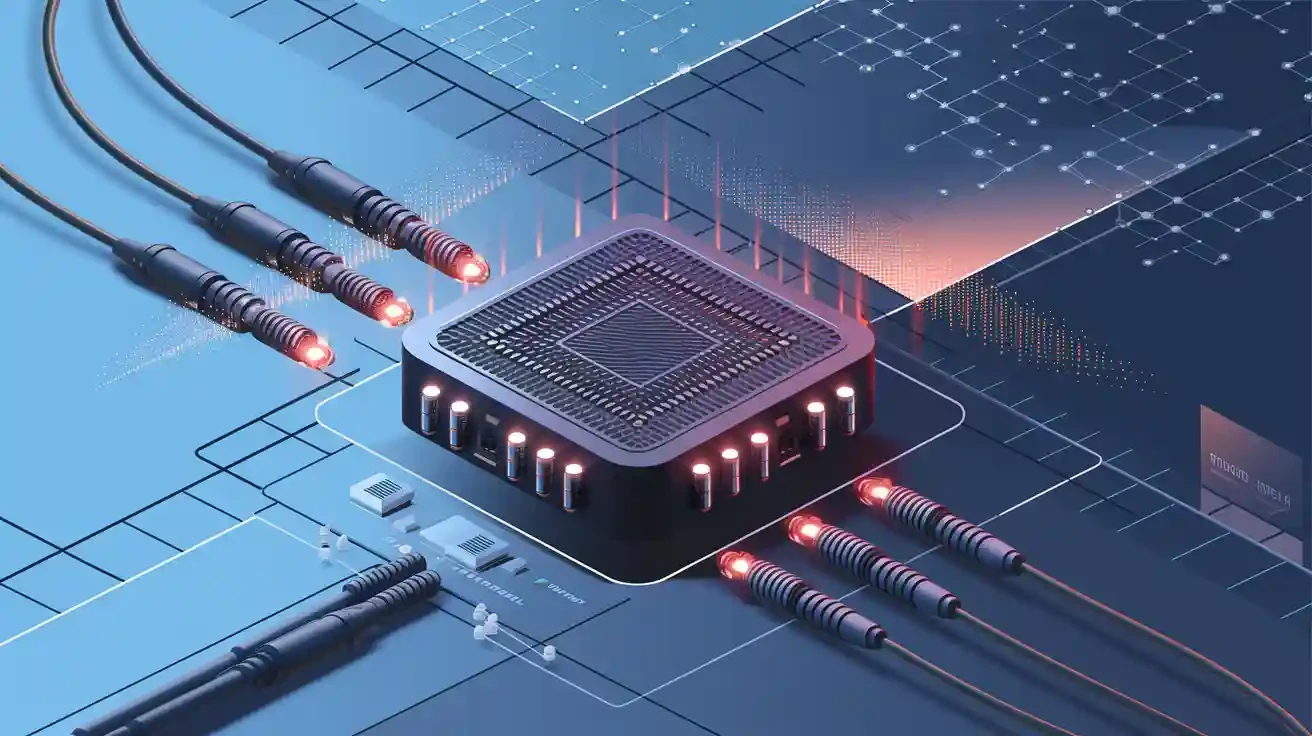
















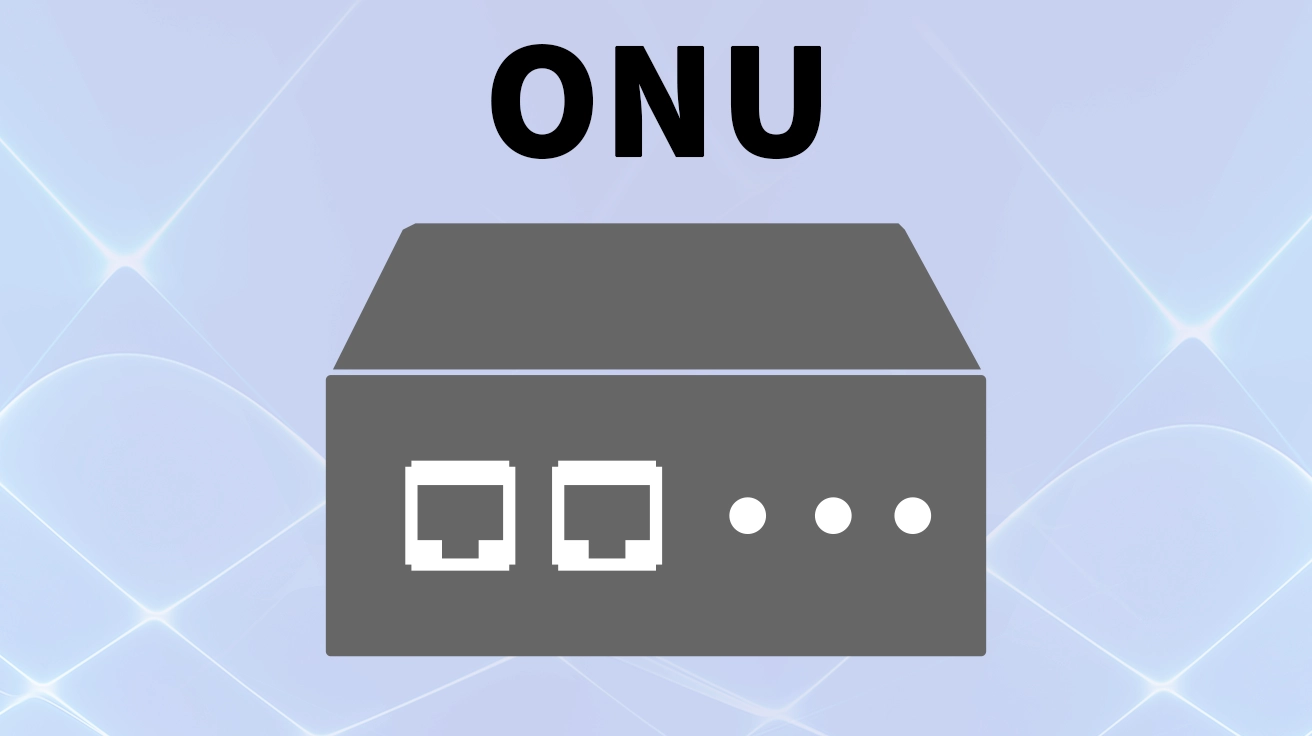
Ever wonder how a beam of light traveling through a hair-thin glass fiber transforms into your binge-watching session, online gaming marathon, or crystal-clear Zoom call? The magic happens inside a small, often overlooked box in your home or office: the ONU.
This unsung hero of internet quang is the critical endpoint that bridges the gap between your provider’s vast light-based network and your familiar electronic devices. Understanding what an ONU is and how it functions can empower you to make better decisions about your home network setup. Let’s dive in!
📝 ONU là gì? Giải thích chi tiết về từ viết tắt này
ONU là viết tắt của Optical Network Unit. In simple terms, it’s a device that receives the optical signal from your Internet Service Provider (ISP) via a cáp quang and converts it into electrical signals that your router, computer, phone, and other devices can understand and use.
Think of it as a highly sophisticated translator. It speaks the “language of light” from the internet backbone and translates it into the “language of electricity” that your gadgets use.
📝 ONU so với ONT và modem: Sự khác biệt là gì?
This is where many people get confused. The terminology often overlaps, but there are subtle distinctions, primarily based on the device’s location and final destination.
Đặc tính | ONU (Optical Network Unit) | Traditional Cable Modem | |
|---|---|---|---|
Loại mạng | Fiber-to-the-X (e.g., FTTB, FTTC) | Cáp quang đến tận nhà (FTTH) | Coaxial Cable (Cable Internet) |
Vị trí điển hình | In a building’s comms room (MDU) | Inside your home/office | Inside your home/office |
Chức năng | Converts optical signal for multiple users | Converts optical signal for a single user | Converts RF signal to digital data |
Môi trường truyền dẫn | Cáp quang | Cáp quang | Coaxial Cable |
In practice, the term ONT is often used for a unit that serves a single subscriber (e.g., in your apartment), while ONU can refer to a device that serves multiple users (e.g., in a fiber-to-the-building scenario). However, many ISPs and manufacturers use these terms interchangeably for consumer equipment. Both are fiber optic modems, distinct from traditional DSL or cable modems.
📝 ONU hoạt động như thế nào? Quy trình từng bước đơn giản
The entire process is a marvel of modern engineering, yet it can be broken down into a few key steps:
Signal Reception: The ONU receives a beam of modulated light carrying vast amounts of data from your ISP’s central office (OLT).
Optical-to-Electrical Conversion: A photodiode inside the ONU converts this stream of light photons into an electrical signal.
Processing & Demarcation: The device processes this signal, separating the data into different types (internet, voice, IPTV).
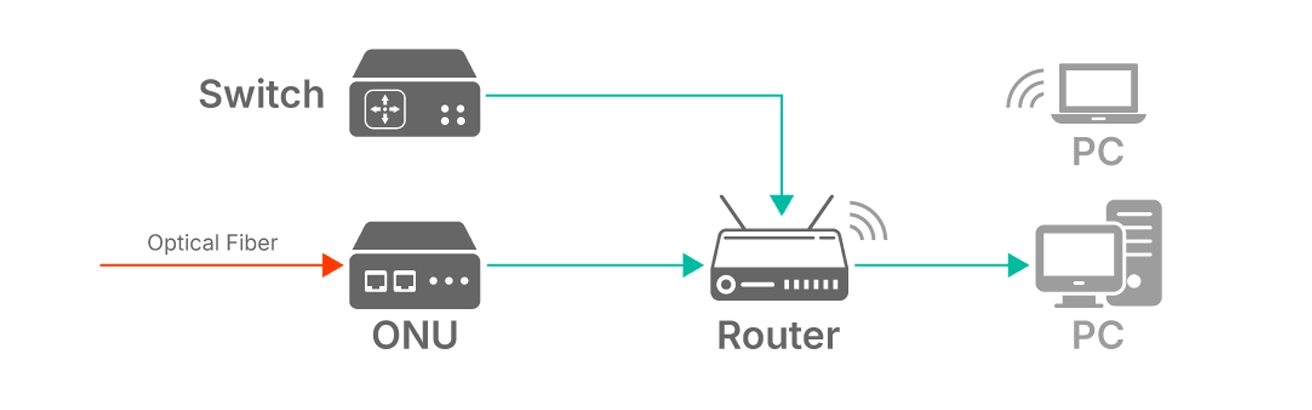
Distribution: Finally, the ONU routes these signals to the appropriate ports—Ethernet for your router or computer, POTS for your analog phone, and coaxial for TV service.
📝 Các loại ONU: Lựa chọn thiết bị phù hợp với nhu cầu của bạn
Not all ONUs are created equal. Your needs will determine the best type for you. When considering your options, it’s crucial to understand the different types of ONU devices available.
Bridge ONU: A basic unit that purely converts the fiber signal to Ethernet. It requires a separate router to create a Wi-Fi network. Ideal for users who want to use their own high-end router.
ONU Wi-Fi (ONU Bộ định tuyến): An all-in-one unit that combines the fiber modem, a router, and a wireless access point. This is the most common type provided by ISPs for its convenience and space-saving design.
GPON ONU: Adheres to the Gigabit-capable Passive Optical Network (GPON) standard, a popular technology for ultra-fast broadband access that offers high efficiency and bandwidth.
📝 Các tính năng quan trọng cần xem xét khi mua ONU
If you’re purchasing your own ONU instead of renting from your ISP, here’s what to look for:
Compatibility with ISP: This is the most critical factor. Ensure the device supports the standard (e.g., GPON, EPON) and is approved by your provider.
Port Configuration: How many Ethernet (LAN) ports do you need? Do you require a telephone (VoIP) port for landline service?
Tiêu chuẩn Wi-Fi: For all-in-one units, look for Wi-Fi 6 (802.11ax) for the best performance, range, and ability to handle multiple devices.
Management Interface: A user-friendly interface allows you to change settings, set up port forwarding, and manage your connected devices easily.
Upgrading to a capable ONU can future-proof your connection and potentially improve your network’s stability and speed.
📝 Liên kết then chốt: ONU và bộ thu phát quang
To truly understand how an ONU connects, we must talk about its “eyes”: the mô-đun bộ thu phát quang. This small, hot-swappable component is the physical interface that sends and receives light pulses over the fiber. It handles the crucial tasks of electro-optical conversion (electrical signals to light) and photodetection (light back to electrical signals).
Many modern, carrier-grade ONUs designed for business or fiber internet installation in multi-dwelling units feature pluggable transceiver slots, such as SFP or SFP+. This design offers immense flexibility. Instead of replacing the entire ONU, you can simply swap the bộ thu phát quang to change the fiber connector type (e.g., SC, LC) or upgrade the technology (e.g., from GPON to XGS-PON) for more bandwidth.
Ví dụ, một ONU can be equipped with a specific GPON SFP module, allowing for easy integration into different network setups. This modular approach is a key consideration for future-proofing your network infrastructure, making devices like those from LINK-PP a versatile choice for evolving needs.
📝 Kết luận: Cổng kết nối đến thế giới kỹ thuật số của bạn
The ONU is far more than just a “modem.” It is the essential gateway that unlocks the immense potential of công nghệ sợi quang, delivering the high-speed, low-latency internet we have come to rely on. By understanding its role, you can better appreciate the technology behind your screen and make informed choices to optimize your home network.
📝 FAQ
What does an ONU look like?
Bạn thường thấy một ONU dưới dạng một hộp nhỏ có đèn báo hiệu và nhiều cổng. Một số mẫu được lắp đặt bên ngoài ngôi nhà của bạn, trong khi các mẫu khác được đặt bên trong, gần vị trí cáp quang đi vào.
What happens if your ONU stops working?
If your ONU fails, you lose your internet connection. You should check the power and cables first. If the problem continues, contact your internet provider for help or a replacement.
What devices connect to an ONU?
Bạn có thể kết nối bộ định tuyến, máy tính, TV thông minh và máy chơi game với một ONU. Phần lớn các ONU đều có cổng Ethernet để kết nối có dây. Một số mẫu còn hỗ trợ đường dây điện thoại.
What should you do before replacing your ONU?
Bạn nên kiểm tra xem ONU mới của mình có tương thích với loại mạng và tốc độ mạng của bạn hay không. Hãy hỏi nhà cung cấp dịch vụ internet của bạn để được cung cấp danh sách các mẫu được hỗ trợ. Luôn tuân theo hướng dẫn thiết lập để tránh các sự cố kết nối.