















Choosing the right storage drive is one of the most important decisions when building or upgrading a computer or server. With options like HDD (Hard Disk Drive), SSD (Solid-State Drive), and NVMe (Non-Volatile Memory Express SSDs), it can be challenging to know which one fits your needs. Each offers unique benefits in terms of speed, cost, reliability, and use cases.
This guide breaks down their differences to help you make an informed choice.
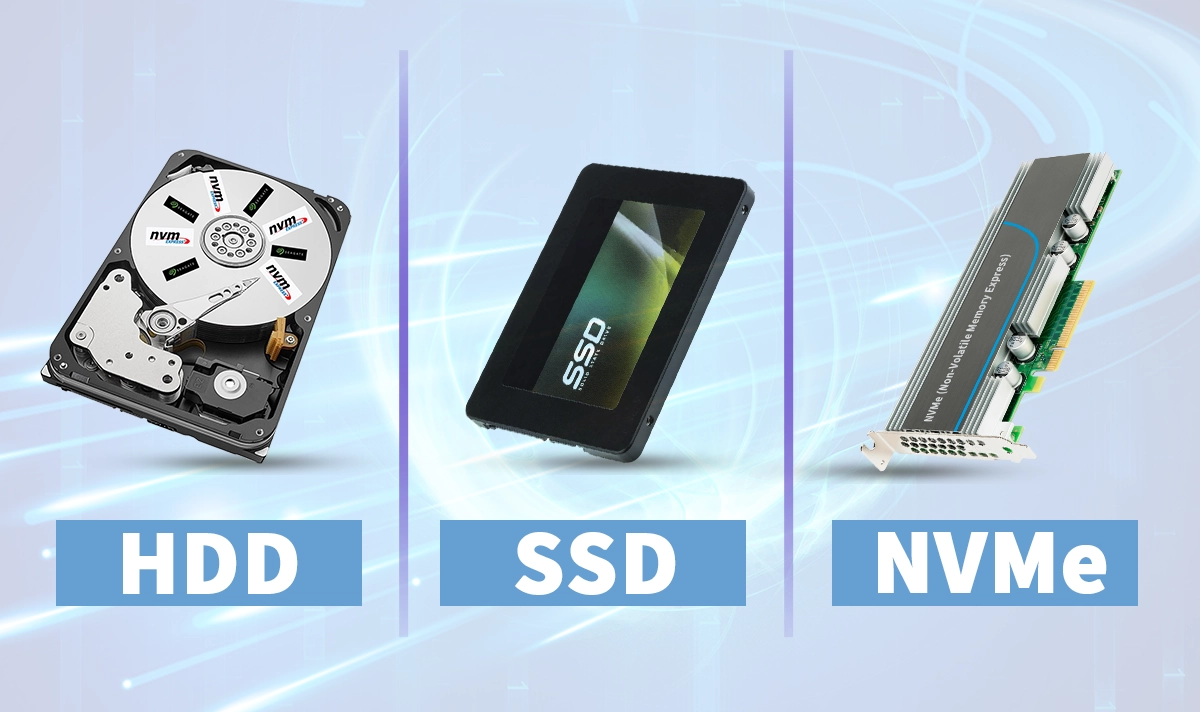
Qu'est-ce qu'un HDD ?
The Disque dur (HDD) is the oldest type of storage still widely in use. It relies on spinning magnetic platters and a mechanical read/write head to access data.
Key Points about HDDs:
Vitesse : 80–160 MB/s (much slower than SSDs).
Capacity: Affordable large storage up to 20 TB or more.
Résistance mécanique : Susceptible to shock and mechanical wear.
Idéal pour : Bulk storage, backups, media libraries.
HDDs are inexpensive per gigabyte, making them a budget-friendly choice where speed is not the priority.
Qu'est-ce qu'un SSD ?
A Disque à état solide (SSD) uses Mémoire flash NAND instead of moving parts. This allows for much faster data access and greater durability.
Key Points about SSDs:
Vitesse : 500–600 MB/s (SATA SSD).
Capacity: Typically up to 8 TB for consumer models.
Résistance mécanique : More resistant to shock and vibration.
Idéal pour : Operating systems, gaming, everyday computing.
SSDs are quieter, faster, and more energy efficient than HDDs, though they remain more expensive per gigabyte.
3. What Is NVMe?
NVMe (Express mémoire non volatile) is not just a storage device but a protocole designed for SSDs, allowing them to use the PCIe interface instead of SATA. This unlocks the full potential of flash memory.
Key Points about NVMe Drives:
Vitesse : 2000–7000 MB/s (depending on PCIe version).
Latence : Extremely low, ideal for high-performance workloads.
Parallélisme : Supports up to 64K queues with 64K commands each (vs. 1 queue in SATA).
Idéal pour : Gaming PCs, video editing, enterprise servers, data centers.
NVMe drives represent the cutting edge of storage technology, offering unmatched performance.
4. HDD vs. SSD vs. NVMe: A Side-by-Side Comparison
Fonctionnalité | HDD | SSD (SATA) | NVMe SSD (PCIe) |
|---|---|---|---|
Technologie | Spinning magnetic platters | Mémoire flash NAND | NAND flash + PCIe + NVMe protocol |
Speed | 80–160 Mo/s | 500–600 Mo/s | 2000–7000 Mo/s+ |
Durabilité | Prone to physical damage | Shock-resistant | Shock-resistant |
Bruit | Audible spinning/clicking | Silent | Silent |
Coût par Go | La plus faible | Modérée | Le plus élevé |
Cas de Utilisation Pratiques | Large archives, backups | Informatique quotidienne, jeux vidéo | High-performance, servers, data centers |
5. Which One Should You Choose?
Adoptez un HDD if:
You need inexpensive, high-capacity storage for large files, backups, or less frequently accessed data.Adoptez un SSD if:
You want faster boot times, quicker app loading, and reliable performance for daily computing or gaming.Choose NVMe if:
You require maximum speed and minimal latency, such as in enterprise servers, virtualization, databases, or content creation.
👉 Many professionals use a hybrid setup: NVMe SSD for operating systems and applications, paired with an HDD for bulk storage.
6. The Importance of Connectivity in Storage Systems
Regardless of the drive type, efficient connectivity is essential to achieve maximum performance. Storage systems often rely on . Les entreprises comme to transfer data reliably and at high speeds.
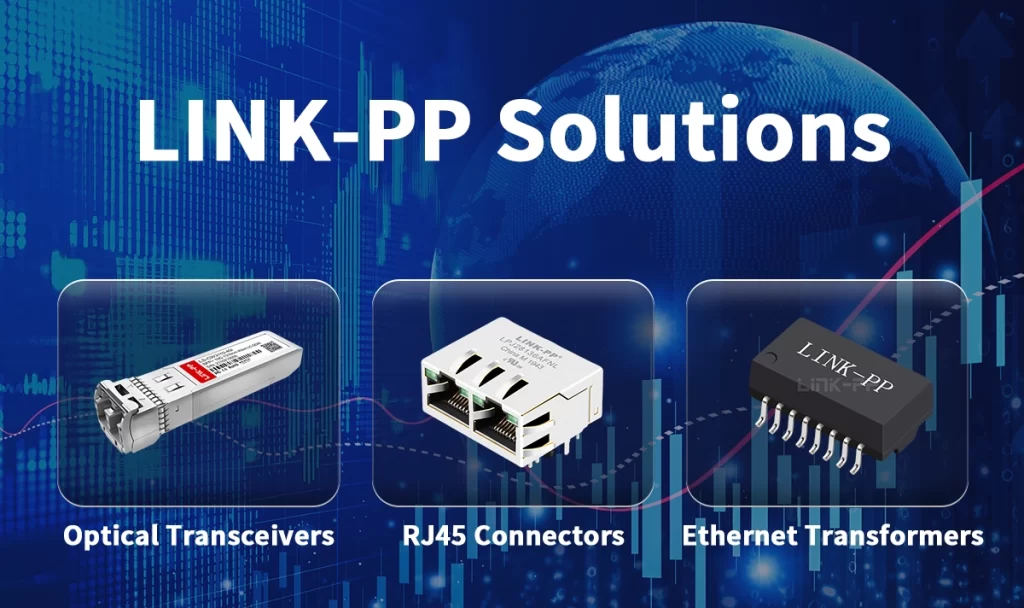
LINK-PP provides connectivity solutions designed to support HDD, SSD, and NVMe deployments, including:
— composants haute performance qui supportent les déploiements de réseaux DSL et FTTC. – ensuring stable Ethernet connections for NAS and servers.
transformateurs LAN – protecting signal integrity in high-speed data transfers.
Émetteurs-récepteurs SFP – enabling fast, scalable storage networking in enterprise and centre de données les environnements.
With LINK-PP’s solutions, your storage architecture—whether HDD-based, SSD-based, or NVMe-powered—can operate at peak performance.
Conclusion
L’évolution depuis HDD to SSD to NVMe reflects the growing demand for speed, durability, and efficiency in modern computing. HDDs remain the most cost-effective for large storage, SSDs deliver a strong balance of speed and affordability, and NVMe sets the standard for high-performance workloads.
For IT professionals and businesses, the right storage solution also requires the right . Les entreprises comme. With LINK-PP’s Ethernet magnetics, and des modules optiques, your storage systems can achieve the reliability and performance needed in today’s data-driven world.